
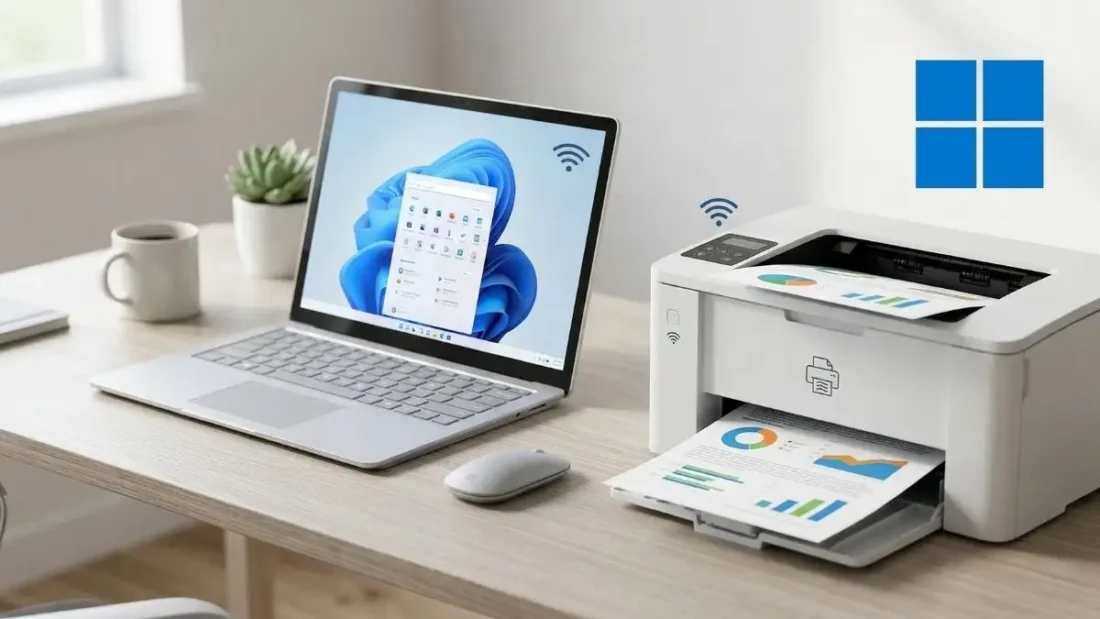
We have all been there—trying to print a simple document only to be met with a “Driver Unavailable” error or a mysterious spooler crash that seems to defy the laws of logic. For decades, printers have been the undisputed villains of the home office. Between overpriced ink and software that feels like it was coded in the nineties, getting a piece of paper to come out of a machine should not be this hard. Fortunately, Microsoft is finally stepping in to overhaul the entire experience. Windows 11 is moving toward a future where the “classic” printer driver is a thing of the past, aiming to fix the reliability and security nightmares that have plagued PC users for years.
The root of the problem lies in how Windows has historically handled printing. In the old days, every single printer model required its own specific piece of software, known as a legacy driver. If you bought a new printer, you had to install a specific driver. if you updated your version of Windows, that driver might stop working. If the manufacturer decided to stop supporting your five-year-old device, you were essentially left with a very heavy paperweight. This system was not just annoying; it was a security risk. These individual drivers often had deep access to the operating system, creating vulnerabilities that hackers could exploit. Furthermore, as we move toward a world of ARM-based PCs like the latest Surface devices, these old x86-only drivers simply cannot run, leaving users stranded without a way to print.
To solve this, Microsoft is transitioning to what it calls a fundamentally modern approach. Instead of a thousand different drivers for a thousand different printers, Windows is leaning heavily into the Mopria industry standard. This is a universal language that allows printers and computers to talk to each other without needing specialized, model-specific software. Modern versions of Windows, specifically starting with Windows 10 21H2 and continuing through Windows 11, already have a built-in universal printer driver that works with Mopria-certified devices. Most printers sold in the last few years already support this, meaning the days of hunting down a random .exe file on a manufacturer’s sketchy support page are numbered.
Your Linux Desktop Just Got a Massive Power-Up: Everything New in KDE Plasma 6.6
There has been some confusion lately regarding how fast these changes are happening. You might have seen headlines claiming that Windows 11 is “killing” support for old printers, but that is not quite the case. Microsoft is being very deliberate and slow with this rollout to ensure nobody is left unable to print their tax returns or flight tickets. In January 2026, the company reached its first major milestone by no longer allowing manufacturers to submit brand-new legacy drivers to Windows Update. This does not mean your old printer stopped working; it just means Microsoft is stopping the influx of old-school driver technology for Windows 11 and Windows Server 2025. If your printer currently works with a legacy driver, Windows is not going to suddenly block it.
Read more : This Professional Design Secret That Costs Zero Dollars and Rivals Industry Giants
The next phase of this transition is set for July 2026. At that point, Windows 11 will begin prioritizing the modern universal driver, known as the Internet Printing Protocol or IPP. If you have a printer that offers both a legacy driver and the modern IPP option, Windows will automatically choose the modern one. This is a subtle but important shift designed to move users toward a more stable environment without them even realizing it. By July 2027, the transition moves even further, as Windows Update will stop issuing updates for legacy drivers entirely, with the only exception being critical security patches. Microsoft wants to ensure that while old tech is phased out, users remain protected from digital threats.
For businesses, the change is even more significant. Managing print servers in a large office is a notorious headache for IT departments. Microsoft’s Universal Print cloud service is designed to replace those clunky local servers, moving the entire infrastructure to the cloud. This makes it much easier for employees to print from any device, whether they are using a traditional laptop or a newer ARM-based tablet, without the IT team having to manage a library of ancient drivers. It is all part of a broader goal to create a printing experience that, in Microsoft’s own words, just works. They want to build a future where the architecture of your PC or the complexity of your office network doesn’t matter.
So, what does this mean for you right now? If you are shopping for a new printer, the best thing you can do is look for one that is Mopria-certified. Most big names like Epson, Canon, and Brother have been on board with this for a while. If you have an older printer that you love, don’t panic. There is currently no official timeline for when Microsoft will completely cut off legacy drivers. That day is likely many years away. For now, the goal is simply to stop the cycle of broken software and constant troubleshooting. By slowly moving everyone toward a universal standard, Windows 11 is trying to turn one of the most frustrating parts of computing into something that is invisible and reliable.
As we move through 2026 and 2027, the “printer problem” should slowly start to fade into the background. We are witnessing the end of an era of specialized hardware drivers and the beginning of a more streamlined, secure, and user-friendly ecosystem. It is a massive undertaking to modernize an industry as diverse as printing, but the momentum is clearly building. While we might still have to deal with high ink prices, at least the software side of the equation is finally getting the 21st-century makeover it desperately needs. You can rest easy knowing that your current setup is safe, but the future of printing on Windows looks a whole lot brighter and much less stressful.
Disclaimer: The information provided in this article has been collected from publicly available sources on the Internet. Readers are requested to verify this information with available sources.

