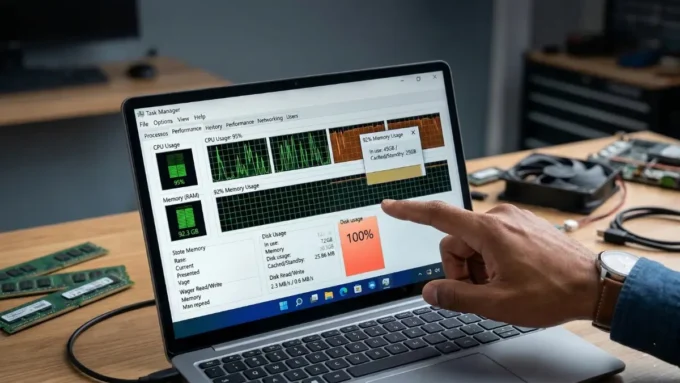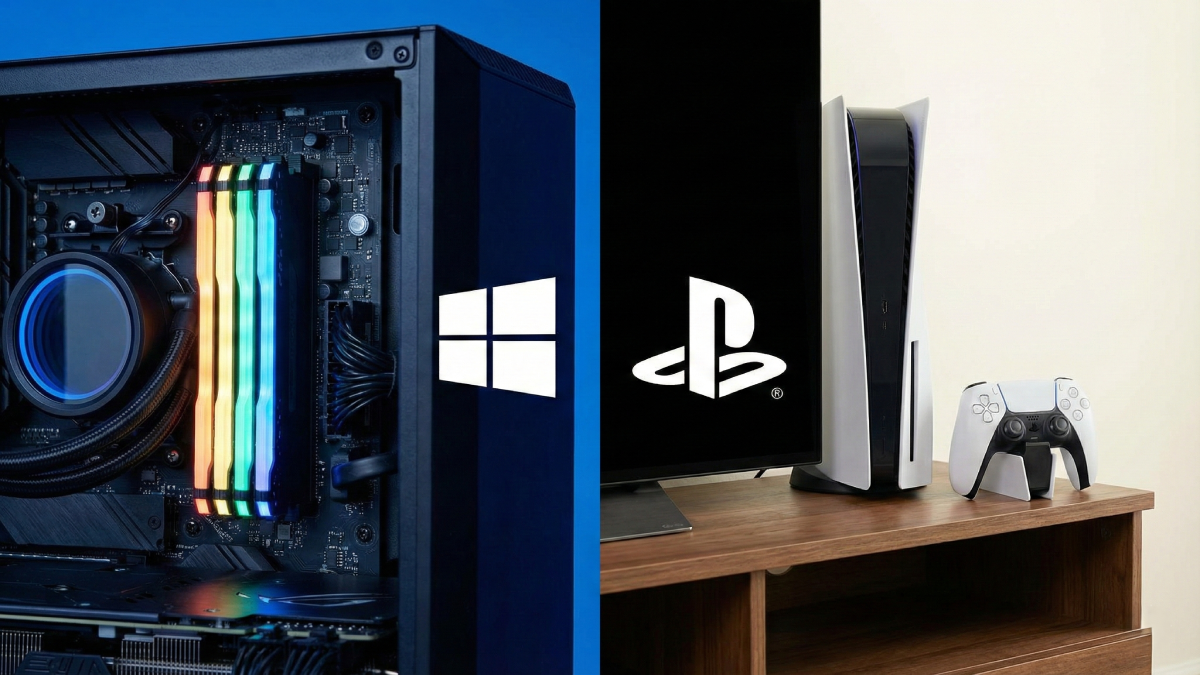
Lately, big new games seem to demand 32GB of RAM just to work properly on PCs. Still, those same titles run without issue on consoles – using only 16GB total for everything, graphics included. Identical image quality appears on screen whether you’re using a high-end PC or a home console setup. Yet somehow, the desktop version eats twice the memory doing the same job. That imbalance leads straight to one thought: why do computers need so much more? Different engineering choices explain part of it, though deeper reasons live inside how each device handles resources. Peeling back what happens under the hood reveals exactly why that gap exists – and why it isn’t random.
Here is why missing memories happen. Gamers face machines designed with locked-down memory limits, nothing flexible about it. A current console holds just one set size of RAM, welded into place during assembly. Opening up won’t help, since extra chips can’t be added later by users. That hard cap forces creators to work within tight boundaries. Every piece of data gets trimmed, shaped, reused – no space wasted. That time Larian Studios pushed back Baldur’s Gate 3 probably rings a bell – Xbox Series S memory limits choked key features. When a team aims for store shelves on any system, fitting the tech into tight spaces isn’t optional. What happens instead is compromise shapes everything behind the scenes.
Inside those specialized gaming consoles, the hardware layout isn’t anything like what hides within a regular desktop PC. One shared memory bank feeds both the main brain and the visuals engine in locked-down systems – no splitting resources here. Because everything pulls from the same spot, there’s zero duplication of game files hanging around. A typical computer forces copies: whatever lives in main memory must also land inside the graphics card’s own reserved space, doubling up whether needed or not. Speedy built-in storage comes standard now on today’s living room devices, no upgrades required. Speedy decompression built into the hardware lets machines such as the PlayStation 5 move around 8GB each second. Since creators understand precisely how quickly information flows straight off storage, reliance on huge memory pools fades away.
What feeds the gap isn’t just hardware – it’s what runs underneath. A typical Windows setup jumbles endless jobs behind the scenes at once, built to handle every task imaginable. Though some programs now include special play settings meant to silence extra loads during games, they’re still bulky next to systems made solely for gameplay. Take the Xbox Series machines: even though they use a tweaked form of Microsoft’s core code, barely more than a couple gigs go toward basic operations. Everything else stays open for creators to use. That usual desktop operating system? It takes up about four or five gigs just sitting there. Once those intense cache systems kick in – needed for heavy multitasking – the space it eats grows fast.
Pictures waiting on your computer make the problem worse. Moving image files from storage to the video chip works smoother when everything is built together. In a self-made setup, lots of detailed textures need to pass through regular memory first, before reaching the display unit. Even though smart transfer tricks now let the graphics part pull data straight away, the path these files take still jumps between parts. A fraction of the memory on a gaming system gets set aside for number crunching, leaving most for visuals, which trims excess. Though coordination between processors takes precision, clever design lets smaller resources deliver stronger results.
One last thing stands out: the thinking behind desktop versions splits sharply from how console editions come together. Building for PCs means aiming wide on compatibility instead of locking down performance tight. That idea took hold back when RAM cost next to nothing. Most makers assumed users could always add more memory fairly easily, especially dedicated players who often run above baseline needs anyway. So given plenty of room to work, studios freely use that space to slash load screens, tuck away richer visuals, and smooth out hiccups before they happen. Most times, space isn’t tight anymore, so makers stop worrying about file size. One day, cheaper parts might bring leaner game habits to PCs – just like consoles did.
Disclaimer: The information provided in this article has been collected from publicly available sources on the Internet. Readers are requested to verify this information with available sources.
Author

Review Overview
Summary
Pellentesque iaculis gravida nulla ac hendrerit. Vestibulum faucibus neque at lacus tristique eu ultrices ipsum mollis. Phasellus venenatis, lacus in malesuada pellentesque, nisl ipsum faucibus velit, et eleifend velit nulla a mi. Praesent pharetra semper purus, a vehicula massa interdum in.
The Pros
Unlimited content Design sharing Branded templatesThe Cons
Premium video Folders and storage Magic Resize- Drag and drop editor5
- Easy customizations4
- Brand's visual identity4.5
- Million free photos3.5