
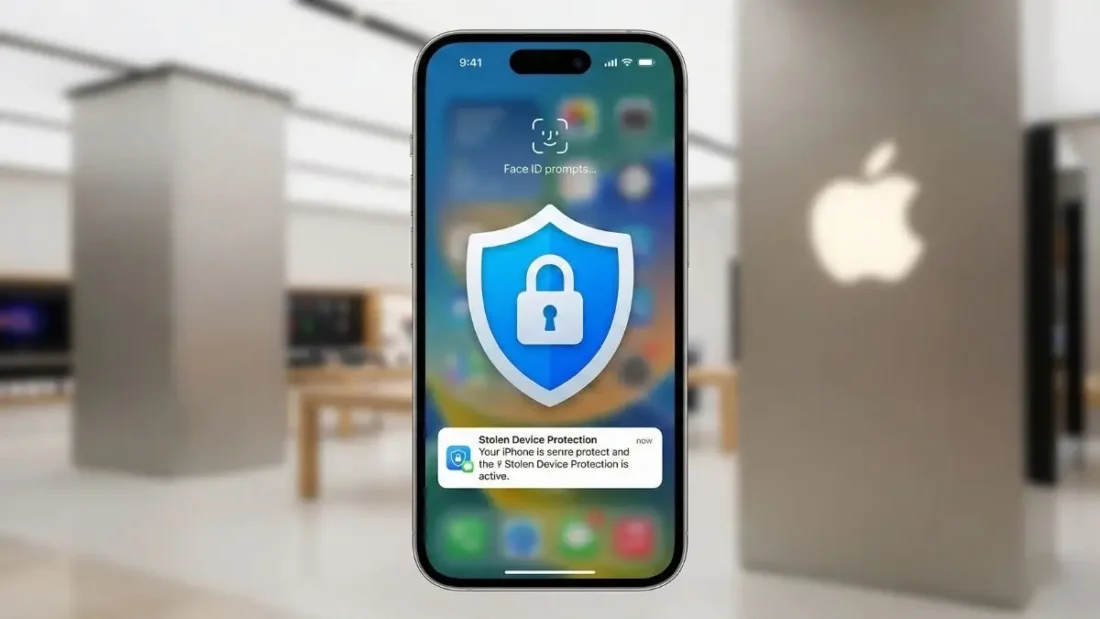
Imagine you are sitting in a crowded coffee shop, minding your own business, and scrolling through your phone. Unbeknownst to you, someone nearby is watching you over your shoulder. They aren’t interested in your social media feed; they are waiting for that specific moment when you type in your six-digit passcode. Once they have those numbers memorized, they snatch the phone from your hand and disappear into the crowd. In the past, this was a nightmare scenario. With your passcode and the physical device, a thief could change your Apple ID password, lock you out of your own account, and even drain your bank accounts through saved passwords. However, Apple is about to make that specific type of crime a lot harder to pull off. With the upcoming release of iOS 26.4, a massive security feature known as Stolen Device Protection is being promoted from an optional setting to a mandatory default for every iPhone user.
iCloud is Full? The Secret Way to Backup Your iPhone for Free Forever
This shift marks a significant change in how Apple handles user security. For years, the company has walked a delicate tightrope between keeping your data safe and keeping your phone easy to use. When Stolen Device Protection first debuted back in early 2024, it was tucked away in the settings menu as an “opt-in” feature. The reasoning was simple: it adds a layer of friction to the user experience that some people might find annoying. But as phone theft evolved into a more sophisticated operation involving “shoulder surfing” for passcodes, Apple clearly decided that the trade-off is no longer just a luxury—it’s a necessity. According to recent reports from industry insiders like MacRumors, the beta versions of iOS 26.4 show that Apple is ready to flip the switch for everyone.
So, what does this actually change for the average person? Most of the time, you won’t even notice it’s running. The system is designed to be “smart” about where you are. As long as you are at a “familiar location”—think your home or your office—your iPhone acts just like it always has. But the moment you step outside those digital safe zones, the rules of the game change entirely. If you’re at a bar, a mall, or an airport, and you try to perform a sensitive action like accessing your stored credit cards or looking at your saved passwords in the iCloud Keychain, your phone will no longer accept a passcode as a fallback. It will demand Face ID or Touch ID. This means even if a thief knows your passcode, they can’t get into your most private data because they don’t have your face or your fingerprint.
The protection goes even deeper when it comes to the “nuclear” options on your device. Let’s say a thief tries to be clever and attempts to change your Apple ID password or turn off the “Find My” tracking service so they can resell the phone. In these high-stakes scenarios, iOS 26.4 introduces something called a Security Delay. Instead of allowing the change instantly, the phone will require a biometric scan, then start a one-hour timer. Once that hour is up, you (or the thief) would have to scan your face or finger a second time to finalize the change. This sixty-minute window is a literal lifesaver. It gives the rightful owner enough time to realize their phone is gone, grab a friend’s device, log into iCloud, and mark the iPhone as lost or wipe it remotely before the thief can lock them out forever.
Critics might argue that this is a bit of an overreach by Apple. After all, if you’re trying to change your password while on vacation or during a move, that one-hour wait might feel like an eternity. But if you look at the statistics of iPhone thefts over the last few years, the “passcode-first” method of attack has become alarmingly common. By making this feature the default, Apple is protecting the millions of users who never dive into their settings menus to see what new security toggles have been added. It’s a “safety first” approach that prioritizes the integrity of your digital life over the minor inconvenience of a waiting period.
Of course, Apple isn’t completely taking away your agency. Even though iOS 26.4 will activate this feature automatically, you will still have the ability to go into your settings and turn it off if you really can’t stand it. However, the process of turning it off while away from home will itself trigger that one-hour security delay. This ensures that a thief can’t simply snatch your phone and immediately disable the very feature meant to stop them. It’s a clever bit of “circular logic” in software design that effectively closes the loop on potential exploits.
As we move closer to the public release of iOS 26.4, it’s clear that the era of the “simple passcode” being the keys to the kingdom is coming to an end. Biometrics are becoming the absolute standard for anything that truly matters. While it might take some getting used to—especially if your Face ID is a bit finicky or if you frequently find yourself needing to make major account changes while on the go—the peace of mind is arguably worth it. Your iPhone isn’t just a phone anymore; it’s your wallet, your photo album, and your primary identity. With this new update, Apple is making sure that even if someone manages to grab the hardware, they can’t steal your life along with it.
Disclaimer: The information provided in this article has been collected from publicly available sources on the Internet. Readers are requested to verify this information with available sources.

