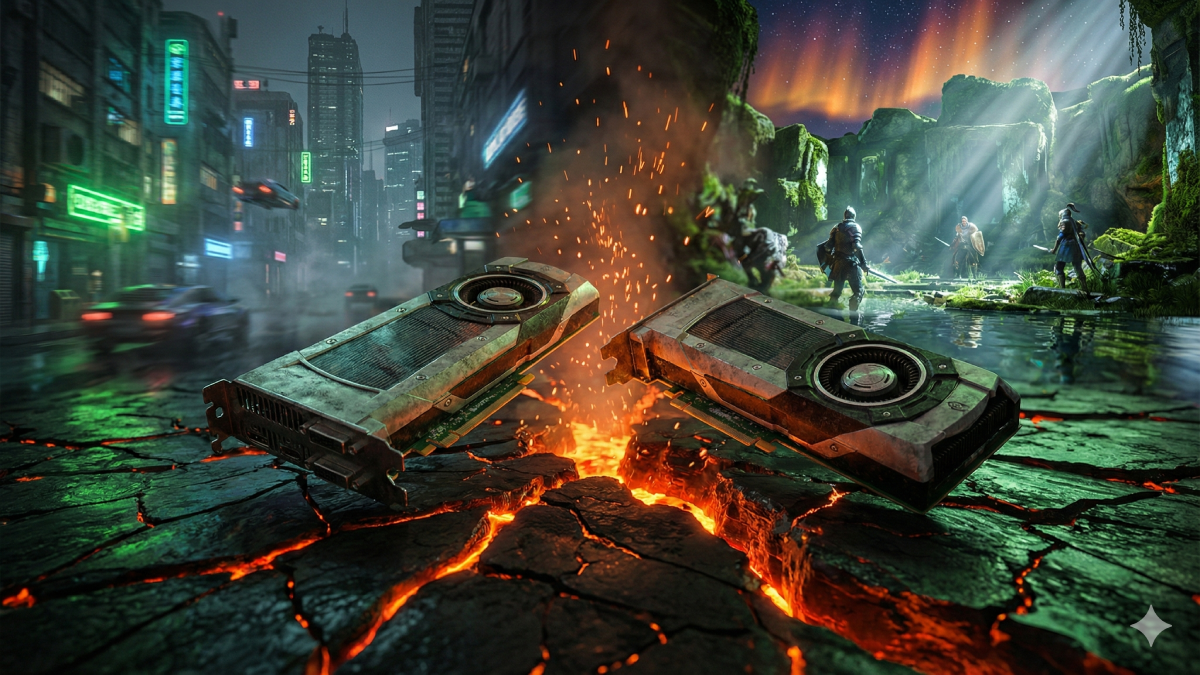
Right after Nvidia launched its latest AI scaling upgrade, DLSS 4.5, excitement spiked among players – though folks without high-end graphics cards may face disappointment instead. While specs paint an impressive picture, showing sharper visuals and better frame creation through smarter algorithms, real-world use tells another story. The new system leans hard on processing muscle, demanding far more than before. Older or budget-friendly chips simply struggle under the load. Performance gains come at a price, one many systems aren’t built to pay.
A sharp image and faster gameplay often come from Nvidia’s DLSS, which renders games at a lower resolution then upscales them through artificial intelligence. Over time, updates changed how it manages detail versus speed. With version 4.5, a newer transformer system brings clearer edges, less shimmer, fewer visual glitches, especially when working alongside tools that generate multiple frames. Yet one thing stands out – this upgrade pushes graphics cards harder than earlier ones did.
What players keep running into? DLSS 4.5 pushes the GPU further because of its complex neural processing. Newer models, say the RTX 40-series or fresh RTX 50 chips, manage fine – built-in acceleration, particularly using FP8 math, takes the strain. Yet earlier designs, think RTX 20-line or plenty from the 30-range, lack that refinement. So instead of gaining speed, some see slower gameplay than before, frame rates dipping when upgrading to this version.
Real-world trials plus community feedback highlight this issue clearly. When moving from DLSS 4 to DLSS 4.5, players using gear such as the RTX 3080 Ti notice frame rates dip by 20 percent or worse – particularly in heavy games including Cyberpunk 2077 and The Last of Us Part 2. Though image clarity improves slightly with the updated scaler, the drop in speed feels hard to accept without top-tier, cutting-edge systems under the hood.
This moment feels messy in parts of the player crowd. A few who jumped in fast still reach for earlier DLSS settings when they can. With version 4.5, Nvidia rolled out fresh options named Model M and Model L – built kind of like speed-focused and top-speed styles – but both tilt toward newer gear. People using older setups notice something odd: stepping back to DLSS 4, sometimes skipping ahead altogether, brings smoother motion since losing frames hurts more than sharper images help.
What makes DLSS 4.5 tougher to embrace on older graphics cards isn’t just age – it’s how uneven the slowdown feels. With mid-tier RTX 30 models, losing frames isn’t slight; instead, motion stutters, controls lag, play suffers. Because of this, many gamers question if the feature helps much without a newer 40- or 50-series GPU built for heavy lifting.
Gamers scratch their heads when one GPU handles this tech smoothly while another, barely older, chokes on it. Hardware explains most of it. Newer Nvidia chips pack specialized circuitry built to power through DLSS 4.5’s intense number crunching. Without that extra oomph under the hood, earlier models struggle – suddenly losing speed instead of gaining it.
Even if it struggles on aging hardware, DLSS 4.5 manages noticeable upgrades when the system keeps pace. Because the new transformer model works smarter, flickering drops off while edges get cleaner. High-tier graphics cards show the benefit clearly – distant surfaces gain sharpness, for one thing, while rough lines from past builds turn smooth. Where performance holds firm, image quality takes a quiet leap forward.
Here’s the thing for most people who play games. Running an RTX 40 or definitely an RTX 50 card? Then checking out DLSS 4.5 makes sense. Visuals get sharper while speed barely slows down. Yet owners of 20-series, maybe even some old 30-series GPUs, could face slower gameplay instead. That shiny update might backfire. Actually, switching back to older DLSS modes works better for quite a few. Picking settings one by one often leads to smoother frame rates without ugly visuals.
When it comes down to it, Nvidia’s new upscaling method proves just how much artificial intelligence has changed computer visuals. Still, there’s a widening gap forming – cutting-edge gear runs ahead while older systems fall behind, stuck inside countless existing gaming machines. If getting more speed from what you already own matters, try adjusting options and saved profiles slowly, stay flexible enough to return when version 4.5 fails to deliver the push you were counting on.
Disclaimer: The information provided in this article has been collected from publicly available sources on the Internet. Readers are requested to verify this information with available sources.
Author

Review Overview
Summary
Vestibulum viverra gravida fringilla. Suspendisse accumsan purus quis augue lobortis quis sagittis
The Pros
Colors Size StyleThe Cons
Expensive Duration quality- Design70%
- Speed80%
- Saving94%
- Features80%