
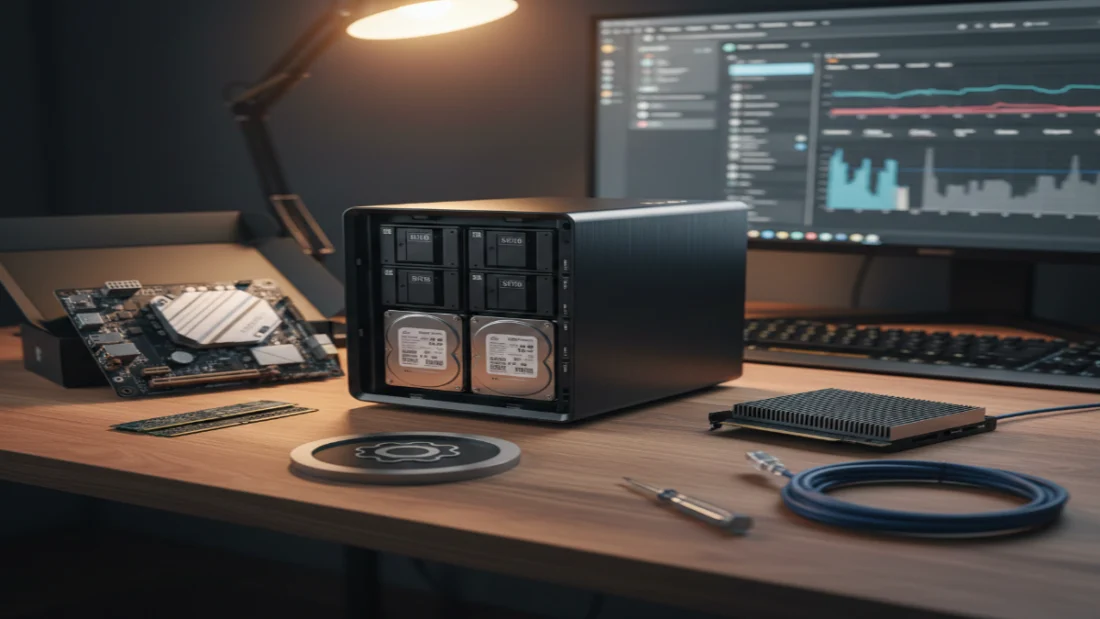
A NAS isn’t merely a dusty enclosure with spinning disks tucked behind your desk. Deep down, it functions like any machine – equipped with memory, circuitry, processing power, running software much like yours does every day. Yet companies have pushed for ages the idea that only rigid, proprietary systems can handle personal files. One day, after stacking countless hours on niche hardware setups, I swapped my old-school NAS operating system for Ubuntu Desktop – suddenly everything shifted. Who knew swapping a locked-down mindset for something closer to a premium computer could unlock paths factory-made boxes never reach.
Most folks start by wondering if something like Ubuntu can do what a special NAS operating system does. Yes, absolutely. Actually handling the essentials? Ubuntu manages that without issue. It copies each main feature found in purpose-built NAS software. Often it uses identical tools under the hood – the very ones hidden inside polished commercial boxes. You get the full range of functions, nothing missing. At its center, a storage machine must organize drives and send files over networks. Sure thing runs smooth when it comes to handling chores, built tough like what big servers trust every day across the globe. Using tools bundled under Samba, file sharing wakes up in step with the common SMB rhythm – so whether you’re clicking through Windows, swiping on Mac, or navigating Linux, directories show up clean, familiar, right where they should be, much like those seen on branded boxes such as Synology or QNAP.
One step past moving files around, Ubuntu handles powerful storage formats usually found in pricey network drives. Snapshots, active error checks, clean recovery – ZFS brings top-tier tools straight into Linux. Want something newer, built for change? Btrfs lets you reshape storage on the fly. Still trust classic methods? Then mdadm gives reliable setups such as RAID 5 or RAID 10 without extra gear. Pull those disks out after failure, drop them into another Linux box – data stays reachable, no fuss needed. Missing that neat display a real NAS offers? Try setting up something like Cockpit. This brings a tidy browser window where system activity shows clearly. Watch processor load shift over time, peek at disk conditions, handle folders and space – all without typing any commands. The screen stays friendly even when tasks get complex.
Yet here it clicks – Ubuntu bends where rigid setups snap. Most branded NAS tools wrap you in rules that slowly tighten. They lock drives into fixed patterns, trap you on one filesystem path. Not so here. Every choice opens wide. Design follows need, not limits. Control stays yours, full stop. Mixing various drive sizes? Tools such as MergerFS make it possible. A layered cache setup with NVMe boosting older hard disks works too. What matters is your goal, not someone else’s idea of normal usage. Manufacturer limits won’t hold you back here. Your choices shape the system, not preset rules.
Picking Ubuntu? Hardware plays nice more often than not. Since plenty of people run it, finding drivers tends to happen without hassle. Other NAS-focused systems take their time updating the core software. That new 10GbE adapter or latest NVMe chip you grab off the shelf – might sit idle half a year waiting on an update from the maker. Ubuntu gives users fresh kernels alongside a huge collection of drivers right away. Thanks to fast networking support, plus compatibility with brand-new processors from day one, performance keeps up with changes. No need to wait on slow company schedules anymore. Remember that moment when useful machines suddenly turn outdated? That happens once companies cut off software help. This setup puts control back where it belongs – letting choices about upgrades come from actual needs instead. Hardware life spans depend on real-world use, not arbitrary deadlines set elsewhere.
One thing stands out when making this change – your NAS doesn’t just store files anymore. It does more, quietly handling extra roles like a regular computer would. Storage still comes first, yet now it also acts as a proper server thanks to Ubuntu. Instead of running apps through awkward boxes that lag during updates or confuse setup, everything works directly on the system. Nearly every program built for Linux runs here by default. Running a media server such as Plex or Jellyfin works smoothly on Ubuntu when enabling hardware transcoding. With this, Intel QuickSync or an NVIDIA graphics card handles real-time video conversion. Setting that up usually causes frustration inside the passthrough menus of niche NAS operating systems. Ubuntu simplifies what tends to be a tangled task elsewhere.
Ubuntu works smoothly with Docker and containers, making it simple to set up tools like Pi-hole across your entire network. A home automation center through Home Assistant also fits right in. You could run your own cloud service using Nextcloud without extra steps. All of these operate directly on the fast storage layer that already holds your files. Power users might go further by turning the device into a bare-metal hypervisor using KVM plus QEMU. That setup supports running Windows or different Linux versions at once alongside file services. Multiple separate devices become just one unified core inside your household tech. Most days, my NAS now grows along with me instead of sitting there doing one job. Using Ubuntu Desktop felt less like an update – more like starting fresh online.
Disclaimer: The information provided in this article has been collected from publicly available sources on the Internet. Readers are requested to verify this information with available sources.

