
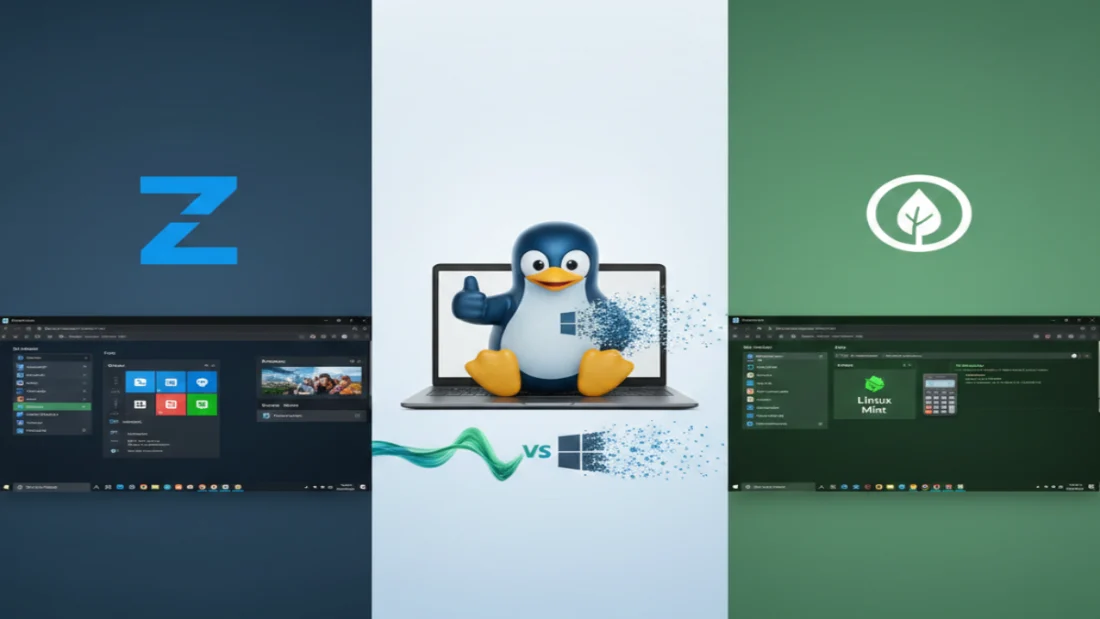
Windows shifting under your feet? You’re not the only one uneasy. Forced upgrades, unfamiliar menus – people search for ways out. Step into Linux, try Zorin OS or Linux Mint. Seen as top picks for leaving Microsoft behind without drowning in confusion. Their desktops greet you like an old photo: reminiscent of Windows 7, clean and calm. Speed stays sharp, often reviving machines thought too slow to keep up. Surprise lives there – a quieter hum beneath fresh air.
Picking one isn’t easy since both chase the same user – someone leaving Windows behind. Picture a setup: taskbar down low, a familiar menu tucked in the corner, icons lined up neatly where you expect. This kind of layout shows up in both systems. Yet how each feels? Not quite twins. Every now and then you find a Linux system built to impress at first glance. Zorin OS steps in with smooth edges, shaped by a tailored GNOME shell that echoes tomorrow’s Windows. Not far behind, Mint runs steady on purpose alone. Built without showy details, it works where others perform – offering calm clarity to those who open the machine simply to do. While one leans into design flair, the other stands back, letting tasks take center stage.
What makes Zorin OS stand out is the way it guides you when switching over. Worried about leaving behind your go-to Windows programs? This system comes ready with something named Windows App Support. Instead of making you hunt down solutions, it automatically prepares what’s required to launch select Windows applications immediately. Not everything works – especially brand-new games or heavy-duty packages – but familiar tools such as Photoshop CS6 often run without issue. Surprisingly smooth for legacy software that still gets daily use. A little under fifty bucks gets you Zorin OS Pro, which already packs tons of apps for creating and getting work done – no need to hunt down free software yourself. Power it up, start using it, right away: that kind of ready-to-run setup doesn’t happen often in Linux land.
Not everyone follows the same route. Linux Mint suits those keen on control. Where Zorin grabs eyes, Mint earns trust through steady performance and fine-tuned options. The standout Cinnamon interface comes full of tools – Applets and Desklets – that act like mini programs shaping your screen just how you like it. Older machines find a friend in Mint. Though Zorin runs lighter than Windows, it still needs about 1.6 GB of RAM when first started. Fresh out of the gate, Mint’s Cinnamon build uses just 1.2 GB instead. Drop into Xfce mode and memory use slips to only 850 MB. That tiny footprint means Mint breathes life into forgotten boxes – machines so weak they make Windows 11 laugh.
One way they’re not alike? How each handles software design. Zorin goes for tight control, aiming at smooth visuals. Switching how things appear happens fast – just one tap through its own tool made for looks alone. That tool reshapes everything, including faking macOS styling when someone wants that feel. Mint takes a different path altogether. It hands over simplicity first – a lean setup without extras crowding space. Only what’s needed shows up by default: web access, document editing, music and video play. Starting here, the setup grows piece by piece. At first glance, doing it yourself could feel overwhelming – yet Mint’s interface runs so smoothly, confidence tends to click into place fast, often by day three.
One thing decides which distro wins – your personal priorities. A polished look and smooth performance point straight to Zorin OS. Graceful it may be, yet its real strength lies in feeling familiar for former Windows users. Older hardware? Prefer control without distractions? Then Linux Mint quietly rises as the top pick. Endless tweaks sit just beneath its calm surface. One thing is clear – Linux can be fast, private, free, without demanding coding skills. Pick Zorin for its clean look, yet go with Mint if steady performance matters more. Frustration fades when Windows-style slowdowns vanish into the past. Speed shows up, so does control, once you step away from what used to slow you down.
Disclaimer: The information provided in this article has been collected from publicly available sources on the Internet. Readers are requested to verify this information with available sources.

