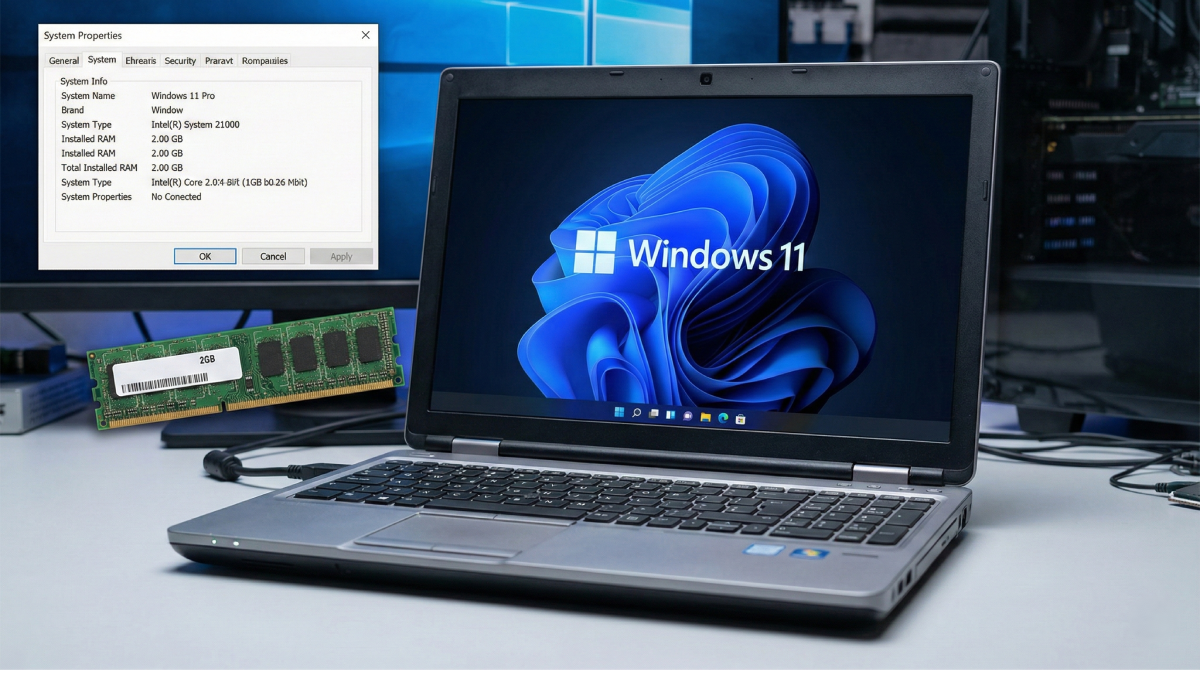
Off the bat, Microsoft laid out what was coming – no secret about changing how people work with machines. When Windows 11 showed up, though, access wasn’t open to everyone. Entry required a newer chip, along with internal support for TPM 2.0. RAM needs also went up – to at least 4 gigabytes as a baseline. This change caught many off guard, given that older builds worked smoothly using just half the resources. A while back we tested how Windows 11 behaves on aging CPUs, noticing most kept up effortlessly. It appears exclusion wasn’t really about speed at all. Yet when it comes to memory demands, things get trickier – less flexible, harder to work around. Does Windows 11 actually need its listed specs, or is the baseline overly safe? I gave it a try – loaded the system onto an older machine built around just 2 gigabytes of RAM – to see if it would fail hard or crawl through daily jobs. Boot time stretched out, app launches crept forward slowly but still worked; browsing moved in fits, yet rarely locked up fully. Behind-the-scenes processes trailed off now and then, sure, while working on written files stayed fairly steady. Crashing never happened at any point in the trial, something I hadn’t expected. When juggling several tasks, it stumbled clearly because extra tabs slowed reactions between windows. Yet basic jobs such as moving through files or playing videos kept going without endless freezes. Updates did finish over time, though every patch required long waits. Perhaps 4GB of memory isn’t essential – only what prevents frustration from building too fast. Using less powerful gear reveals how narrow the space becomes right before everything feels broken.
Early on things shifted – finding equipment got tricky since devices running only two gigs of RAM are hardly around anymore. Possible, sure, but not easy. First idea in mind: an old laptop should work well enough. Except that plan crumbled right away once tested. A friend offered up something ancient, meant helpfully, though it failed at start due to lacking PopCnt support. Windows Eleven would not open, no matter how much effort went into forcing it. Yet rather than fight lifeless hardware, I slipped quietly into digital terrain. Inside that realm, virtual machines became my grip – focusing only on memory behavior. Yes, programs like Rufus bypass real components without issue out there. But within simulation walls, solutions required subtler tricks, more patience. Starting off, the OS installed with 4GB of RAM just to push through setup. Then came the drop to 2GB before finishing config work. That change tightened how much memory was free. Right after, speed started feeling the squeeze. Problems popped up precisely in the spots you’d guess.
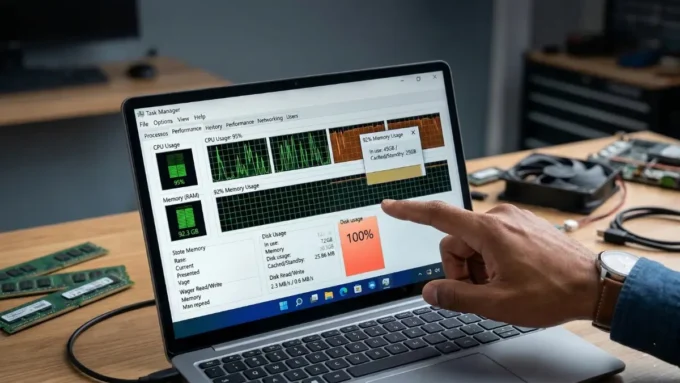
To get it running a bit smoother, I gave common tricks a shot – ways people often bypass that mandatory Microsoft sign-in. On underpowered machines, few things are more annoying than endless alerts, background syncs, or unseen tasks eating up scarce RAM. Once the desktop loaded, the system seemed sluggish right away. Memory hovered around 75 percent while idle – no programs launched, only stillness. Every time a folder dragged on, weight settled in. Even so, things kept running instead of falling apart. It ran – roughly like a four-core machine gasping with little memory. Fast? Not once. But somehow, no part broke during the stretch.
Running heavy apps like Photoshop or Premiere Pro always seemed off track – way too much load for this setup. Yet daily chores kept rolling smooth. Onto the storage went Floorp, settled in for regular duties. Strangely, tackling a CMS didn’t feel out of reach. Work spread out steadily, no snags. Words took shape. Finished. Still standing tall throughout it all. Not fast – each page crept in, just shy of normal speed. Moving through images meant waiting, hands still. But corrections came sharp, without hesitation. Every image found its place, right where expected. Smooth running on YouTube surprised me. One small victory, really. It became clear after a while – light usage means two gigs could last. Speed wasn’t high. Yet movement happened.
Not everything stays blurry when you look into Windows 11 SE – this version fits school needs, built small enough to work with only 2GB of RAM. Without extras like the Widgets panel, performance gets easier breathing room. Perhaps stripping down standard Windows 11 more would make it less sluggish. This idea drifted into my mind after hearing about AtlasOS – a known mod cutting background noise and unused parts deep inside the system. Slipping in after the Atlas Playbook took hold, idle memory dipped from 75% to roughly 65%, easing pressure on what’s available. Though one more megabyte feels small, it counts when you’re capped at 2,048MB. Faster screen loads brought sharper reactions. Each time a menu popped up, delays shrank. With less weight under the hood, the device ran freer.
One thing stands out here. Image counts more than pace for Microsoft when drawing hard lines around Windows 11. Their aim? Uniformity – a crisp face on all gadgets, regardless of power. Since snappy feel matters to everyone, strict caps go up front. What users touch should also match that standard, right from the start. Folks grippin’ less about slowdowns usually smile more. Still, deep inside backrooms, ancient setups keep ticking along. What’s written down doesn’t always match what actually happens. Older gear that misses the mark can hum smoothly after tweaks nobody talks about. Some think two gigs of RAM won’t cut it – yet somehow it does when guided with care. Fiddling with controls can wake up tired hardware. Slow and steady wins this race. Some apps push systems past their usual breaking point. Fresh software sometimes runs fine on ancient machines. Clunky devices keep ticking when you lighten the load. Boundaries give way without much noise if nudged right. Something still works, though no one admits it. Machines run beyond their expected stop.
Disclaimer: The information provided in this article has been collected from publicly available sources on the Internet. Readers are requested to verify this information with available sources.