These days, streaming costs keep climbing. Not long ago, one service held most shows people wanted. Now wallets take a hit each time another app splits off part of its library. That grind wears anyone down. A quiet shift happens now – some folks walk away from big platforms altogether. They install software on private servers instead. One tool gaining traction? Jellyfin. It lets users stash movies and series right at home. I tried it years back. Owning files felt good. Control mattered. Yet something always dragged – the way menus worked. Navigation stumbled more than flowed. Then came an update out of nowhere. A fresh player appeared for devices sitting under TVs. Cast stuff without friction. Meet Wholphin. Smooth. Clean. Built only to play videos well. If old screens feel stuck or slow, this slips through those cracks neatly.
One day it hit me – I wasn’t really keeping anything, just renting streams. Not long after, I pulled out every old disc from shelves, stacked high and ignored. These Blu-rays and DVDs? Transferred them one by one into files. A place had to hold them all, something steady, something mine. That’s when Jellyfin came in – not flashy, built by people who care how things work. Think of it like Plex, but shaped entirely by its users over time. You can store personal films, series, music on a private server at home, then send them to devices nearby using this tool. What really made me pick Jellyfin instead of Plex? Simple – zero price tag. Unlike Plex, which hides things such as hardware conversion and phone sync under a paid membership wall, every function here comes open, unlocked. No fees block access. Nobody monitors your habits either. People who care about freedom built it – and they did so because they live it.
Sure, even folks who love open-source stuff will agree – the visuals often trail far behind slick corporate giants like Netflix. For years, Jellyfin’s main app on Android TV worked okay, yet felt clunky compared to smooth, high-budget streamers. Enter Wholphin. Built only for Android TV, Google TV, and Fire TV, this free tool rethinks how your movies and shows appear. Instead of simply listing files, it arranges them with clever design choices usually seen in top-tier platforms.
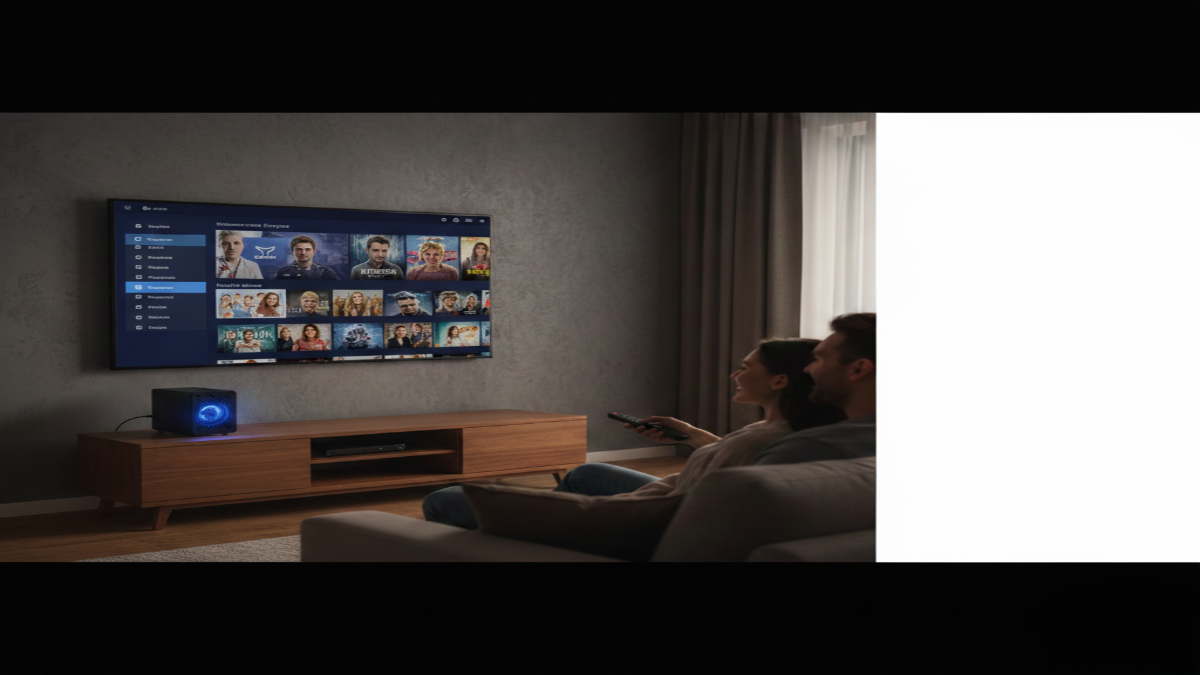
Right away, opening Wholphin feels different – smoother, somehow. Not like digging through folders, but more like flipping open a book where everything’s already in place. A clean panel slides into view on the left, putting your collections just one tap away. No need to backtrack anymore; search, preferences, shelves – all sitting there, ready. It quietly learns what you enjoy, then slips similar titles onto your screen before you ask. Even favorites and highly rated films pop up right where you land. Genre picks load fast, show big thumbnails, help everyone agree faster. That nightly question gets simpler when choices look good and appear quickly.
Looks aside, Wholphin really shines when heavy lifting is needed. Because it plays well with key Jellyfin add-ons, things that glitch elsewhere run smooth here. When Intro Skipper cuts through lengthy title sequences, or Jellyseerr organizes what gets watched next, everything just works. As you scroll through season menus, a familiar soundtrack might start – theme songs play quietly, turning routine browsing into something more alive. For film lovers who watch in different languages – or anyone straining to catch dialogue at night – subtitles pull straight from OpenSubtitles inside the app. Change how they appear too, adjusting typeface and scale until reading feels natural.
What sets Wholphin apart? Deep personal control. Change nearly anything – the look, the feel, how things line up on screen. Pick what shows up under Next Up so it matches only what interests you. Homes with more people benefit when screens shut off automatically after drifting off – no marathon streams overnight. Lock certain accounts using a number so others cannot mess with your list. Seeing only your choices matters, especially when sharing.
Behind the scenes, Wholphin holds up well. Strong handling of direct play and software decoding stands out. Think of it like this – the app plays top-tier files straight away, skipping heavy conversion tasks that strain your system. Less load on your server means steady performance, even with limited power under the hood. Smooth 4K streams roll through without hiccups. The original Jellyfin version still lives on my device, just in case. Yet week after week, I reach for Wholphin first.
Right now might be the perfect moment if you have not dipped into hosting your own server. Getting things running turns out to be easier than most expect. Go straight to the Jellyfin download section instead of hesitating. Put the program on your machine or a box set aside just for this task. Then tell it where your films and series live on disk. When file names follow basic rules, metadata like cast details, story blurbs, and artwork appear without extra steps. Suddenly everything looks polished – no effort needed. Sure, an old laptop will work, although something like a budget mini PC tends to do better – especially if it has a 7th Gen Intel Core chip or later; those handle video loads without breaking a sweat. With the server running, find Wholphin in your TV’s app shop instead of hunting elsewhere, sign in, then settle in for smooth playback you control fully, no monthly fee involved. Actually owning the setup changes how it feels when streaming shows.
Disclaimer: The information provided in this article has been collected from publicly available sources on the Internet. Readers are requested to verify this information with available sources.