No products in the cart.
Current date
February 24, 2026


Stop Wasting Money: Your Old Android Phone is Actually a Secret Travel Weapon
 DivyanshuFebruary 4, 20264 Mins read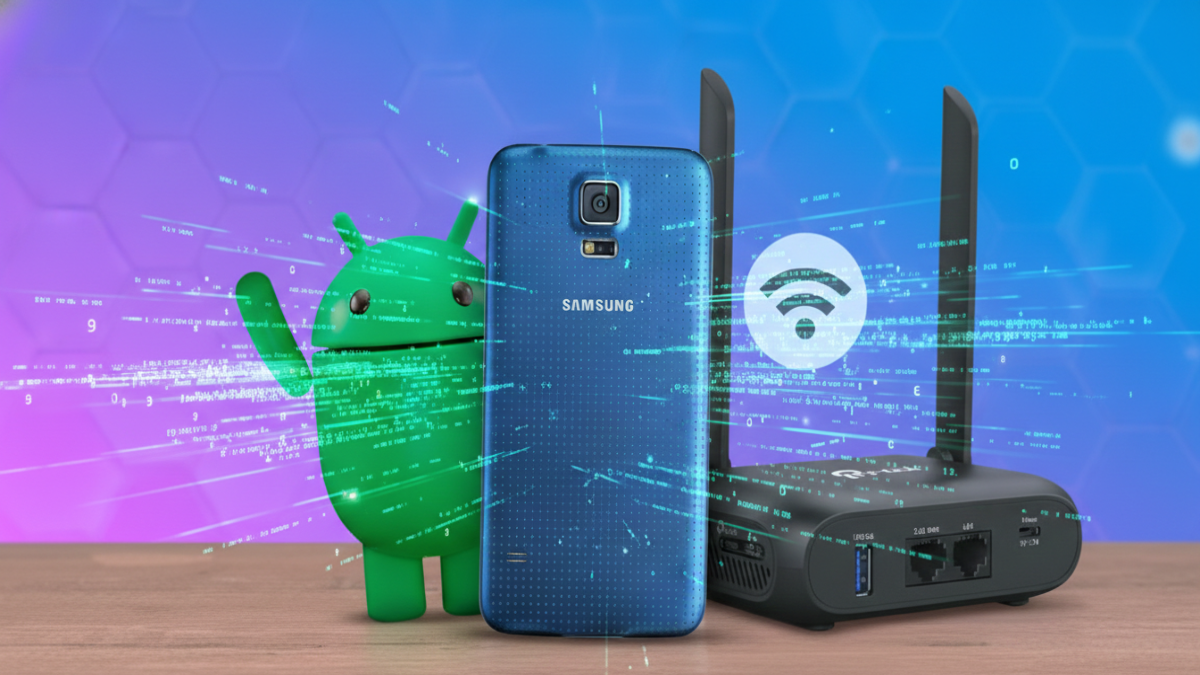
Share
URL copied
Ever walked into a rental only to find the internet barely works? Signal reaches odd spots like the shower, yet dies near where you need it most. Maybe you’ve thought about buying one of those pocket-sized routers online, spending lots between sixty and a hundred bucks. Hold off on another gadget gathering lint later – look instead at what rests by your bed each night. That aging Android in the drawer? It hides serious capability underneath its worn screen. This thing swaps roles easily, acting just like a portable hotspot device. Sometimes it even outpaces pricier tools meant for travelers.
Truth is, most new Android phones follow the same basic setup as routers. Signals come in, then go out again. When you need to pass along mobile data or boost a shaky hotel internet link for other gear, that retired handset likely has the right radio parts inside. Forget just flipping on sharing mode – this means building your own hidden web zone for everything you own, all at zero cost.
Got an extra phone sitting around? Try using it to share internet over USB. Picture this – you’re on the road with a laptop whose wireless keeps cutting out. Hook your older Android up to the hotel’s Wi-Fi first. Then link it to your machine with a cable. Flip on USB tethering inside the menu. Suddenly, that phone becomes a fast, physical connection point for browsing. On holiday once, I streamed matches without a hitch by tapping into my phone’s strong reception and feeding that clean link straight to the laptop. Stability came easy – no wrestling with spotty hotel Wi-Fi that chokes under noise from nearby rooms.
For those who hate cords, there’s Bluetooth sharing instead. Not nearly as fast as Wi-Fi or USB – so skip it for 4K video – it sips power gently. When syncing a Kindle or watch matters more than speed, Bluetooth keeps links alive while barely touching your phone’s charge.
Maybe you’re thinking – why not get one of those travel routers with big antennas? Those gadgets work fine, yet the original Wi-Fi signal still holds them back most times. A used Android phone moves easier through space than those thick little units ever could. Its size lets you walk around your hotel room hunting for better reception – perhaps up near a window or close to the hallway – and set it down right where the bars max out. From that corner, it pulls in what’s weak and sends it stronger toward where you sit or lie.
One thing stands out when turning an old Android into a travel router: it already has a spot for a SIM card. Most basic travel routers only connect through Wi-Fi, nothing more. Without one that supports mobile networks, you’d still lean on your main phone’s hotspot – sucking power from its battery and adding strain to a device you rely on every day. Swap in a pay-as-you-go SIM from another country or a global data plan instead. That aging handset then becomes a standalone 4G or even 5G modem. Your current phone stays fresh, ready for maps and snapshots, while the older model quietly feeds internet to your bigger gadgets.
Built right into that aging phone is a backup power source. While most portable routers need to stay plugged in – either to an outlet or a USB-C power pack – they quit when the juice stops flowing. Lose electricity, yank the cord by mistake, and suddenly there is no signal at all. But the older Android device? It runs on its own stored energy. Even when unplugged, it keeps going without a hitch. Should you grab it and walk out the door, nothing changes midstep.
A different angle? That older phone might actually help with safety online. Hooking gadgets up through it means skipping the hotel’s shared Wi-Fi entirely – so others nearby can’t easily peek in. It builds space between your data and strangers using the same connection. Still, once signals leave the phone, they ride the hotel’s wide-open system. A workaround pops up when you turn on a VPN right inside the Android device itself. Even though travel routers come with simple switch-on VPNs, Android users can get identical outcomes through applications such as Every Proxy or VPN Hotspot. When comfortable diving into system settings by rooting the phone, options open up – tools from F-Droid step in, locking down each fragment of outgoing information from your portable device completely.
Pretty straightforward to get going. No computer science diploma required here. Start by sliding the SIM into your device, assuming mobile data’s what you’re after. Otherwise, hop onto the nearby Wi-Fi instead. Start by opening the Settings menu, then look up “Hotspot” before switching it on. Change the network name if you want, also pick a solid password – same as setting up any home Wi-Fi box. When active, pay attention to how warm the device gets. Sending internet through the air often heats things up, so never tuck it beneath soft stuff while working. Place it somewhere firm or close to fresh airflow instead. That way, it keeps going without trouble during long stretches.
Most folks simply want their devices connected on the go. Though gadgets such as the TP-Link BE3600 cater to those craving ultra-fast speeds and top-tier specs, they’re overkill for everyday needs. Your outdated smartphone does the job well instead. This solution costs nothing. Lightweight by design, it slips easily into any bag. What was once gathering dust now gets real use again. Better yet, it keeps electronic waste out of sight and out of mind.
Disclaimer: The information provided in this article has been collected from publicly available sources on the Internet. Readers are requested to verify this information with available sources.
Author







Linux James BrownFebruary 17, 2026
Your Linux Desktop Just Got a Massive Power-Up: Everything New in KDE Plasma 6.6
If you have spent any time in the Linux world, you know that KDE Plasma is often hailed as the gold standard...
 James BrownFebruary 17, 2026
LinuxJames BrownFebruary 11, 2026
I Ditched Dual-Booting: Why WSL is Finally Good Enough to Kill Native Linux
For the longest time, the ritual was always the same: hit the power button, mash the F12 key, and wait for the...
James BrownFebruary 11, 2026

LinuxDivyanshuFebruary 5, 2026
Stop Checking Your Phone: How to Add a Live Clock Directly to Your Linux Terminal
Hours vanish when code takes over. A flickering cursor holds attention while daylight fades outside. Is it evening? Past midnight? Hard to...
DivyanshuFebruary 5, 2026
Related ArticlesJames BrownFebruary 23, 2026
James BrownFebruary 18, 2026
DivyanshuFebruary 4, 2026
DivyanshuFebruary 4, 2026
Your Android Phone Is Secretly Stealing Your Storage—How To Reclaim Every Gigabyte Now
Your Android phone is a powerhouse of productivity and entertainment, but for...
James BrownFebruary 23, 2026

Samsung’s Triple-Folding Masterpiece Is Returning to Stores This Week
If you’ve had your eyes on the future of mobile technology and...
James BrownFebruary 18, 2026
Is Your Android Phone Hating You? Stop Making These 5 Common Mistakes
Almost twenty years of tucking Android phones into our pockets, yet strange...
DivyanshuFebruary 4, 2026

Stop Letting Gmail Annoy You: 5 Hidden Settings You Need to Change Right Now
Time passes, Gmail sticks around – seems that way at least. For...
DivyanshuFebruary 4, 2026