
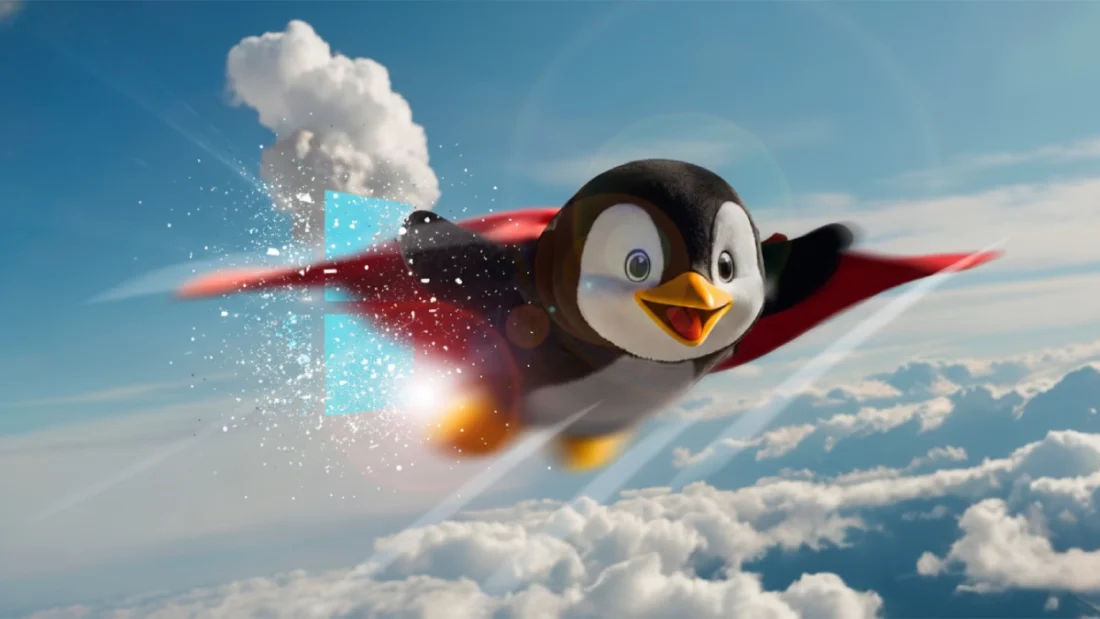
Though Windows leads worldwide in desktop usage, top spot does not mean best performance. Spend even a little while around tech folks and you might catch quiet praise for Linux – its range, its open nature. This is no myth. In multiple ways, from deep look-and-feel tweaks to breathing life into ancient machines left behind by Microsoft, Linux proves stronger. Tired of systems deciding behavior for you? Five powerful actions exist in Linux that Windows blocks outright.
A big annoyance hits fast when using Windows – it traps you inside a rigid setup. What appears on screen stays mostly fixed, no matter how hard you try. Switching a background image works fine. Pick a darker theme shade too, that option exists. Feeling bold Maybe spend cash on tools such as Start11 just to shift some icons slightly. Still control remains tight. Real freedom to reshape things? Microsoft rarely allows that. With Linux, control shifts straight into your hands. Not merely swapping looks – instead, shaping how everything fits together from the ground up.
Picture the humble taskbar. Over many years, people running Windows had freedom – dragging it up top or along either edge. With Windows 11’s arrival, though, Microsoft chose to lock it firmly at the bottom. Not so on Linux. In KDE Plasma, GNOME, or anything else, place your panel wherever feels right. One edge might hold a bar, another could skip it for a drifting dock instead. Your machine, your rules – Linux acts that way from the start. Widgets fall where you want them, not stuffed into some noisy drawer beside popups about weather or shopping deals. Even the moment before logging in bends to taste: stark and clean, or packed with clocks, notes, live stats. No corporate banners crash the scene when you wake the screen. Space stays yours, down to the smallest detail, without someone else’s promotions tagging along.
Windows usually stay put when moved, but on Linux they might wobble like jelly. Moving one could send ripples across the screen, a small joy no spreadsheet needs. Shutting down an app may trigger tiny fire animations, vanishing in smoke just because you felt like it. Useful? Not at all. Yet these quirks breathe mischief into machines too often treated like appliances. The machine listens – not perfectly, never completely – yet still dances slightly offbeat to your rhythm.
Looks past how things appear, Linux breathes life into aging machines. Not so with Windows 11 – its demands sit way above what most call reasonable. Sure, Microsoft says it works on a 1GHz dual-core and 4GB RAM. Yet folks who’ve tested it agree: performance crawls. To get even close to smooth, eight gigs of memory plus newer silicon are practically required. Efficiency? That’s where Linux shifts gears. Built leaner, it runs lighter, uses less just to do more. A single 1.5GHz dual-core processor lets Ubuntu outpace Windows easily, despite its bulkier feel. Running older hardware? Try Linux Lite or Xubuntu instead – suddenly a forgotten 2012 laptop breathes again. Web tasks, documents, everyday actions hum along without strain. Machines once headed for scrap find new purpose here.
A single picture shows how much power different operating systems need. One side runs Windows 11, heavy in design. The opposite displays a slim Linux version. Lines point out memory use, CPU load, disk activity. Numbers differ sharply across the board. Less bulk appears on the open-source example. Speed comes through simplicity there. Efficiency shines without loud claims. Tools matter when every bit counts
Portability pops up next. Slapping Windows on a USB stick? That thing mostly serves as a setup tool. Plug it in, sit through sixty minutes of installing, finally get going. To folks running Linux, that whole idea feels oddly outdated. A flash drive might hold more than photos these days. Boot up some Linux versions straight from it, no install needed. Nearly any machine will run the system once you connect that little device. The hard disk stays untouched while everything operates live. Web surfing works fine, along with typing reports using LibreOffice. Printing tasks go through just like normal. Turn on saved memory mode, and your apps plus personal setup move with you. Your whole workspace fits in a jacket pocket. Slide it into a borrowed PC at school or someone else’s desk. Finish what you need. Pull the drive out afterward – nothing remains on their machine. That silent cleanup makes it powerful for discretion and getting things done away from home.
When it comes to keeping things private, these operating systems feel like opposite worlds. One thrives on gathering details, while the other waits for you to decide what to share. Telemetry streams flow freely from Windows machines toward Microsoft servers, often without clear notice. Suggestions pop up across the interface – neatly labeled features but built like promotions. Most Linux versions ask first before collecting anything at all. Information they do gather carries no name, leaves no trail. No digital helper watches each click; no banners push storage deals inside folder windows.
At last, Linux plays nicer with file types than most expect. When sharing a computer with both Windows and Linux, accessing files feels smoother from the Linux side. Jumping over to Linux means pulling photos or papers from Windows areas without trouble. Trouble starts when flipping back – Windows refuses to see formats such as EXT4 or BTRFS unless odd extra tools get added. Those helpers tend to misbehave anyway. Seeing one system open another’s doors so freely makes the imbalance stand out.
A fresh start awaits when you try something different. Desktop control lands firmly in your hands with Linux. Gamers stick with Windows, professionals sometimes need it too. Yet fluidity and real choice show up more clearly on the open system. Old machines wake up again under this lightweight touch. Custom looks come without hurdles or limits. Freedom walks through every part of the experience. Efficiency tags along quietly. Respect for personal space stays built in. Exploring becomes reason enough to switch.
Disclaimer: The information provided in this article has been collected from publicly available sources on the Internet. Readers are requested to verify this information with available sources.

