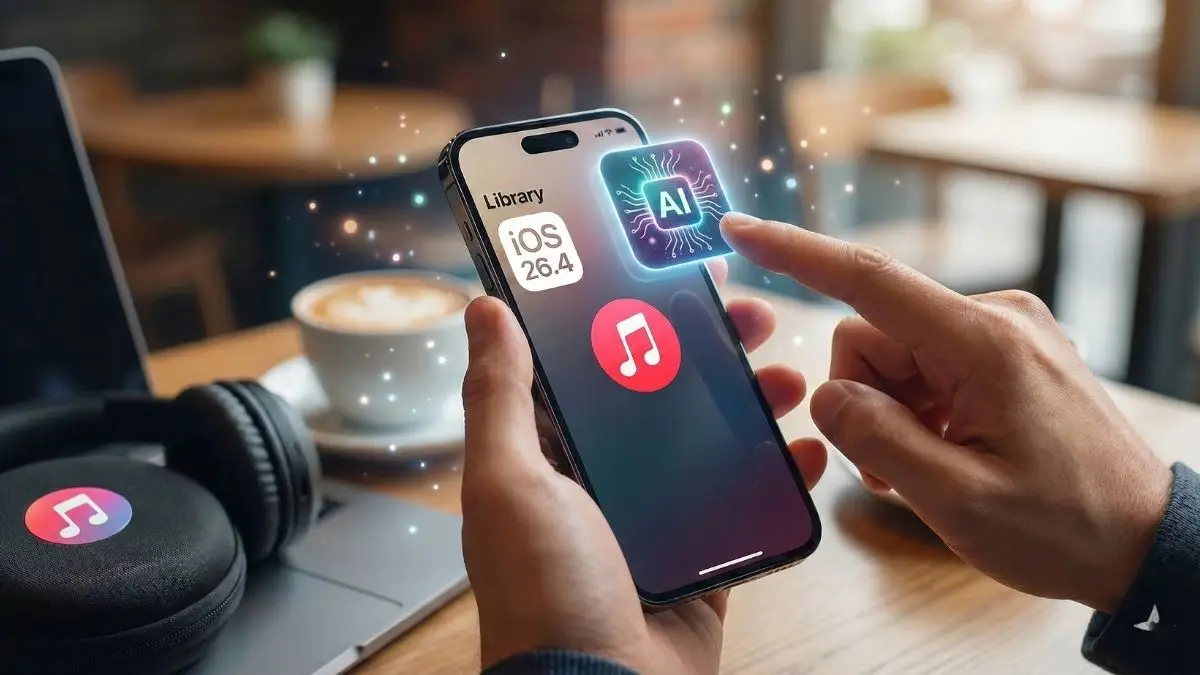
The world of Apple Intelligence is expanding yet again, and this time it is making a direct play for your earbuds. With the recent release of the first developer beta for iOS 26.4, Apple has introduced a standout feature that promises to change how we interact with our music libraries. Known as Playlist Playground, this new tool is tucked away inside the Apple Music app and leverages the power of generative AI to turn your random thoughts into fully realized musical collections. If you have ever spent hours manually hunting for the perfect tracks to match a specific mood, this might just be the most exciting update to hit your iPhone in years.
Also read:AYANEO Pocket DS Secretly Taking Screenshots and Using Massive Data? The Truth Revealed
At its core, Playlist Playground is all about removing the friction from music discovery. Rather than scrolling through endless genres or relying on the standard “Create Station” algorithm, you can now simply tell your phone exactly what you want to hear. The feature is currently in beta, but it is already showing a lot of promise for users who want a more personalized touch without the manual labor. By using natural language descriptions, you can generate a curated list of songs that fits even the most niche requests. Whether you are looking for “songs that feel like a rainy afternoon in a Parisian cafe” or “high-energy synthwave for a late-night drive,” Apple Intelligence is designed to understand the vibe and deliver a matching set of tracks.
Also read:This Legend of Japanese Horror is Finally Returning to Haunt Your Nightmares
Accessing this new tool is surprisingly straightforward, provided you are running the latest developer beta. Once you open the Apple Music app, you can head over to the Library page and look for a fresh icon located in the upper-right corner. Tapping this new playlist icon pulls up the Playground interface, where the magic happens. Here, you are greeted with a text box where you can input your custom prompts. For those moments when your mind goes blank, Apple has thoughtfully included a series of “New Playlist Ideas” to get the creative juices flowing. These presets cover a wide range of common themes, from morning coffee sessions to intense workout soundtracks, giving you a starting point to see how the AI interprets different styles.
Also read:Why Your Windows Task Manager Is Secretly Tricking You Every Day
What makes Playlist Playground particularly impressive compared to older algorithmic tools is its iterative nature. Once the AI generates a playlist—usually consisting of about 25 songs with a clever custom title—you are not stuck with the first result. You can actually chat with the AI to refine the list. If the generated tracks are a bit too mellow for your liking, you can simply type “make it more upbeat” or “add more 90s rock influence,” and the Playground will adjust the selection accordingly. This back-and-forth conversation allows you to sculpt the perfect soundtrack without ever having to start the process from scratch. It is a level of control that feels far more intuitive than traditional filters or manual searching.
Of course, once you are happy with the AI’s work, you have full ownership over the final product. You can choose to save the generated list directly to your Apple Music library, where it behaves just like any other playlist. This means you can still manually add or remove specific songs, change the order of tracks, or update the cover art. It is the perfect blend of machine intelligence and human curation. You get the bulk of the work done by the AI in seconds, but you still have the final say on whether that one questionable track actually belongs in your “Sunday Brunch” mix.
Also read:Windows 11 Is Finally Fixing the Absolute Worst Thing About Your Printer
If you have already installed the iOS 26.4 beta and find that the Playlist Playground option is missing, don’t panic. There is a technical reason for its absence that is quite common with Apple Intelligence features. Because these AI capabilities rely on complex on-device models, your iPhone needs time to download the necessary data after the initial OS update. You can easily check the progress of this download by jumping into the Settings app and navigating to the “Apple Intelligence & Siri” menu. If the models are still downloading, the feature simply won’t appear in the Music app until the process is complete. A quick restart or a steady Wi-Fi connection usually does the trick to speed things along.
The timing of this release is also significant within the broader ecosystem of music streaming. We have seen similar AI-driven efforts from competitors like Spotify and YouTube Music over the last year, so it is no surprise that Apple is looking to keep pace. However, the deep integration with Apple Intelligence suggests that this is just the beginning. By branding it as a “Playground,” Apple is leaning into the idea of experimentation and fun, much like they did with the Image Playground tool for visual content. It signals a shift in how we view our devices—not just as players for the content we already know, but as active participants in helping us find what we didn’t even know we were looking for.
Also read:This Professional Design Secret That Costs Zero Dollars and Rivals Industry Giants
While this feature is currently restricted to those in the developer beta program, the rest of us won’t have to wait much longer to get our hands on it. Apple typically follows a developer release with a public beta within a few weeks, once the major bugs have been squashed. Given that this is labeled as a beta feature even within the app itself, expect some rough edges as the AI learns to better navigate the millions of tracks available on the platform. However, even in its early state, Playlist Playground feels like a glimpse into a future where the phrase “I don’t know what to listen to” becomes a thing of the past. For now, it is a brilliant addition to the iOS 26.4 lineup that gives us one more reason to keep an eye on Apple’s evolving AI strategy.
Disclaimer: The information provided in this article has been collected from publicly available sources on the Internet. Readers are requested to verify this information with available sources.