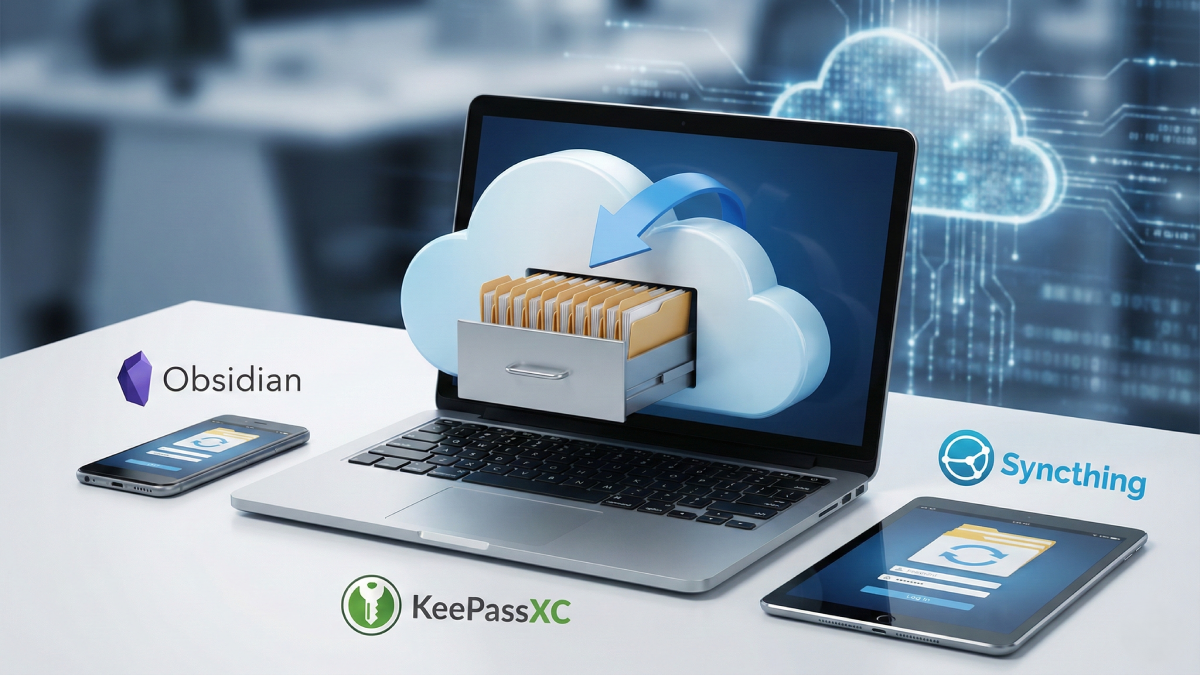
If you have spent any time in the world of productivity tools lately, you have probably noticed a major shift toward “local-first” software. Apps like Obsidian for note-taking and KeePassXC for password management have become cult favorites because they prioritize privacy and speed. Instead of shipping your most sensitive thoughts and credentials to a massive server farm owned by a tech giant, these apps keep everything right on your hard drive. It feels great to own your data, and there is a certain peace of mind that comes with knowing your information isn’t being used to train the next big AI model. However, there is one massive, nagging problem that usually ruins the party: your data is stuck on a single device.
The “island effect” is the Achilles’ heel of the local-first movement. You might have the most organized, beautiful vault of notes on your Windows desktop, but the second you step away from your desk and grab your phone, those notes are gone. If you want to check a password on your laptop that you saved on your PC, you are out of luck unless you manually move files around. This lack of convenience is often what drives users back into the arms of cloud-based giants like Notion or Evernote. While those apps offer seamless syncing, they come with the trade-offs of subscription fees, privacy concerns, and the constant risk of service outages.
You might wonder why developers of these excellent local-first apps don’t just build in their own syncing features. The answer usually comes down to cold, hard cash. Running a global cloud infrastructure to host and sync user data is incredibly expensive. Most of these tools are free or open-source, and their creators simply cannot afford to foot the bill for servers without charging a hefty subscription. Obsidian, for example, offers an official “Sync” service that is fantastic, but it costs a monthly fee that not everyone is willing to pay. Other apps try to let you use third-party services like Google Drive or Dropbox to bridge the gap, but this often breaks the privacy promise of a local-first app. By putting your database on Google’s servers, you are right back where you started, depending on an external provider and exposing your metadata.
This is where Syncthing enters the room like a hero in a tech thriller. Syncthing is a free, open-source tool that solves the sync problem without ever touching a cloud server. It uses a peer-to-peer (P2P) architecture, meaning your devices talk directly to one another. When you make a change to a file on your computer, Syncthing detects it and pushes that change directly to your phone or laptop over your local network or the internet. It turns your various devices into a private, mini-cloud that only you control. Because there is no central server, nobody else can see your data, and there are no subscription fees to worry about.
Setting it up is surprisingly easy, even if you aren’t a terminal-dwelling Linux enthusiast. You simply install the app on the devices you want to keep in sync—say, your Windows PC and your Android phone. You then “introduce” the devices to each other using a unique ID or a QR code. Once they are linked, you choose a folder to share. For an Obsidian user, you would just select your “Vault” folder. For a KeePassXC user, you would select the folder where your password database lives. From that point on, whenever both devices are online, they will automatically keep those folders identical. It is the kind of “set it and forget it” solution that makes tech feel like magic.
One of the biggest myths about Syncthing is that it only works when you are on your home Wi-Fi. While it is true that P2P works fastest on a local network, Syncthing is perfectly capable of syncing over the internet or mobile data. If you are using an Android device, the “Syncthing-Fork” app even includes a setting to allow syncing over cellular networks. This means if you are sitting in a coffee shop and update a shopping list in your Obsidian vault, those changes can fly across the web and be waiting for you on your home computer by the time you get back. It bridges the gap between the isolation of local storage and the convenience of the cloud.
Reliability is another area where Syncthing shines. A common fear with syncing tools is that a mistake on one device—like an accidental deletion—will instantly wipe out data everywhere else. Syncthing addresses this with a robust file versioning system. You can configure it to keep older versions of your files in a hidden folder whenever they are changed or deleted. If you accidentally mess up a complex note or lose a password entry, you can just dip into the version history and pull back the previous copy. It acts as both a sync tool and a basic safety net, giving you the best of both worlds.
The beauty of this approach is that it scales with you. You aren’t limited to just two devices; you can sync a folder across your desktop, your laptop, your phone, and even a Raspberry Pi acting as a low-power “always-on” node. This creates a resilient mesh where your data is always where you need it to be. In an era where “the cloud” is increasingly just someone else’s computer that you pay to rent, Syncthing lets you build your own infrastructure. It respects your privacy, saves you money, and finally makes local-first apps feel as polished and capable as their corporate counterparts.
Disclaimer: The information provided in this article has been collected from publicly available sources on the Internet. Readers are requested to verify this information with available sources.