Midway through the task, deep in nested directories, searching for a small piece of code or a strange configuration hidden away – this frustration hits only Linux users. The terminal opens. A cluttered grep command gets typed from recall. You stop, questioning whether the flags make sense, eyes narrowing at results rushing by like freight cars in motion. Sure, the command line packs power. Yet sometimes you need a helper that moves with you, not against you. That is where Clapgrep appears. Fresh, sharp, designed for strong searches but shaped like a clear window – tasks now flow easier, even if only by a hair. Not sorcery. Just design that fits.
Lately, you start noticing patterns in tools people build – suddenly Rust keeps showing up. Common logic explains why: strong control over memory makes it nearly match C++ in pace. Projects like Clapgrep come alive fast because they’re shaped entirely in Rust. It doesn’t roar like a bare command line, nor does it fade into point-and-click ease – instead, it settles quietly in the middle.
Open the terminal first – Clapgrep works smoothly with Flatpak, making installation straightforward. Newer Linux versions such as Fedora, Mint, or Pop!_OS often have what you need already. This simplifies adding fresh software. Run this command at the prompt to get it from
Flathub: flatpak install flathub de.leopoldluley.Clapgrep.
No messy dependencies slow it down. Ready when Flatpak is already installed, setup takes little time. Once downloaded, launch via menu or type
flatpak run de.leopoldluley.Clapgrep straight into terminal.
Runs in silence underneath, dropping you at the start line clean. Fewer layers stand between you and going.
Truth is, nobody talks about the speed part. Swap a command-line app for something with buttons and screens, usually things crawl. Drawing dots on glass takes time, after all. Full disclosure – I braced myself for lag. Right off the bat, Clapgrep turned that concept on its head. The pace comes across as crisp, almost immediate. When matched up with regular grep during search tasks, the difference faded – nearly impossible to spot which completed ahead. Moments after hitting Start Search, results pour onto the screen without delay. In one trial, the tool faced a directory packed with over 1,800 files. A flash of words appeared the moment I typed that exact line. Each response landed without delay, never stumbling even once. The flow stayed steady from start to finish.
When loads of data pile up, Clapgrep starts to beat older command-line tools. You’ve seen it – run a search, then watch row after row spill across the display since the word shows up too often. Next thing, you’re dragging the scrollbar fast, trying to spot one exact path hidden deep in all that noise. Total confusion. Worse still, those lost minutes add up. Silence lets Clapgrep do its job. Once the scanning stops, answers show clearly – aligned, calm, sitting right there without moving. Hold your place as you move down the list. Your spot stays put, exactly where you remember seeing it.
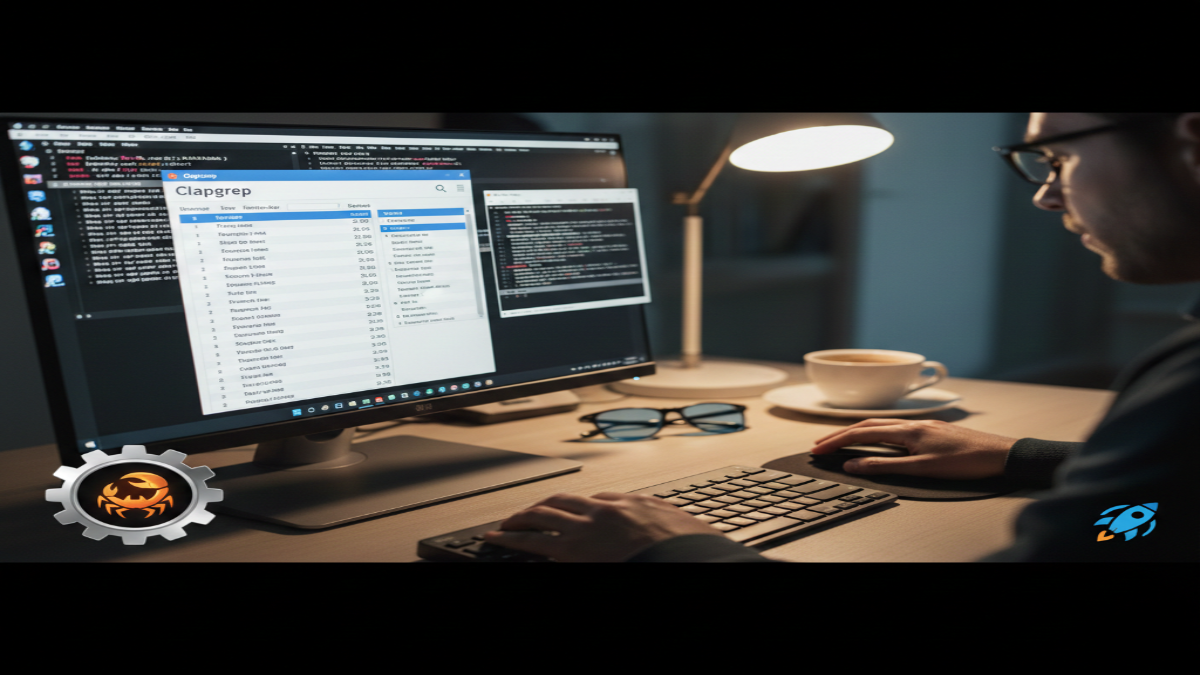
Something about the layout makes it seem like care went into the details. Gone is that cluttered mess of light text on black, replaced by clarity – almost warmth. Right up front, file names stand out in bold, catching your eye without effort. With every result comes its full path, so guessing where things live stops being necessary. Every line shows its number, breaking down information in a way that just fits. Not the shine grabs attention – the way it reacts does. Most terminals spit out flat rows, dead on arrival. But here? Touch any answer, and motion follows. Hit a single entry, instantly a panel glides into view right within the display, parked at that exact location in the document. Forget leaving the app just to trace back its source.
When edits are needed, Clapgrep manages them without issue. Click the filename to open – it fires up your system’s usual text program. This small move ties searching, viewing, and updating together cleanly. Retracing paths feels unnecessary now. Typing out directories fades away. Command-line editing steps vanish. Keeping your place stops being a problem. Hours stretch longer for those buried in code, logs, or drafts – writers, system managers, coders, all of them. Work shifts under the weight of small gains, almost unnoticed.
Clapgrep did not claim it would banish the terminal from your workspace. Yet for those wanting fast results without the mess, this feels right – like finding a part you didn’t know was lost. Running on Rust-powered search logic, it behaves as if coded for modern machines from the start. Tasks once buried in typed commands now unfold through looks, then taps. Paging through ancient logs stuck in terminal memory – what a drag. Suddenly, everything clicks into a new beat. Work moves at the speed of mind, maybe even faster. Tools that used to resist now step aside quietly. When clutter fades, something unexpected shows up. It’s not about features. It’s what happens after they disappear.
Disclaimer: The information provided in this article has been collected from publicly available sources on the Internet. Readers are requested to verify this information with available sources.